Choosing charter school operations software: five questions to ask
A practical evaluation of role access, school data, requests, walkthroughs and follow-through for small schools and growing networks.
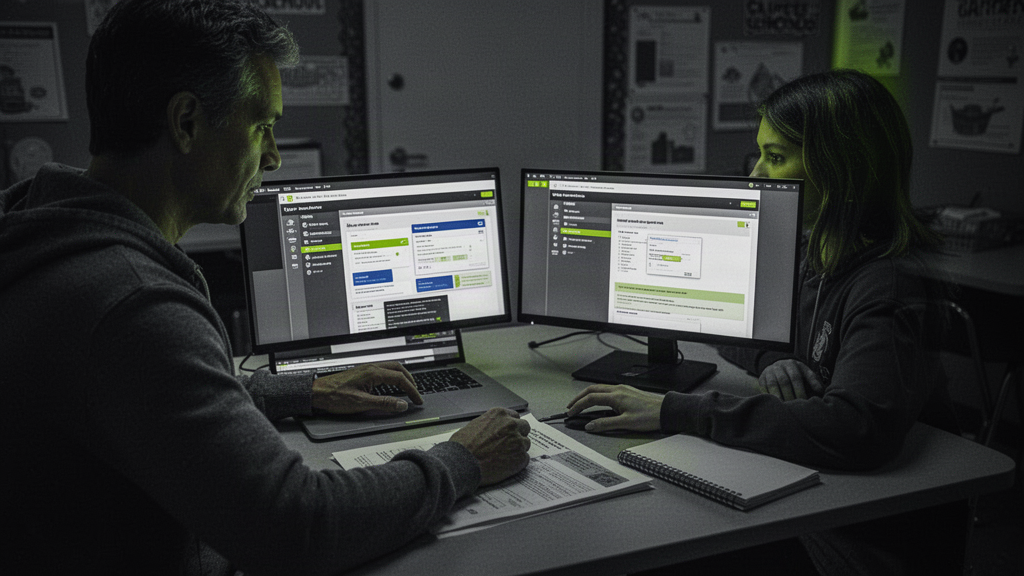
Map the work before buying the platform
A charter network can have a student information system, shared drive, ticket tool and a pile of spreadsheets while school leaders still chase decisions through email. The missing piece may be the handoff between observations, requests, meetings and action. Begin by mapping one real week at a building: what was noticed, who decided, who owned the next step and whether it was completed.
Avoid a feature checklist that treats every item equally. A useful system should make the recurring work clearer for the people doing it. Ask staff and directors where the same information is entered twice and where a decision disappears.
Five questions for a working demo
1. Can a staff member submit a request and see what happened next? 2. Can a walkthrough finding become assigned follow-up? 3. Can leaders compare dated aggregate metrics without losing the original entry? 4. Can staff find current manuals and links by school? 5. Can a network see school-level work while access remains scoped to each role?
Watch the complete path in the demo rather than five separate screenshots. Have the vendor start with a real school scenario, create a task, complete it and show the decision history. Ask what happens when data is missing or an AI suggestion is wrong.
Keep the SIS in its lane
The student information system remains the source for individual student records and official reporting. An operations workspace should make building-level signals and staff workflows useful without importing more personal data than the task requires. Ask what information is stored, who can access it and how it can be corrected or exported.
OnwardSync focuses on the operating rhythm around a school: weekly metrics, daily check-ins, walkthroughs, meetings, requests, School Brain and evidence-linked suggestions that leaders approve before action. It is designed to sit alongside the systems schools already use.
Pilot one workflow
Pick one building and one 30-day workflow, such as morning coverage or walkthrough follow-up. Measure the time from issue to owner, the share of work completed and the number of unanswered staff questions. A good pilot tells you whether the software changes the work, not just whether people logged in.
Start with the free weekly checkup and explore the operations and walkthrough pages to see the connected workflow.